IP Phones for Business: A 2026 Guide for Hybrid and Remote Teams
Hybrid work has changed what offices expect from a phone, and IP phones for business now have to follow people across home, office, and the road. A desk extension can no longer be tied to one building. In 2026, the right SIP hardware lets a team member answer the same number from a home study, a branch office, or a meeting room without missing a beat. This guide explains how to build that flexible setup and which devices make it work.
We have set up distributed teams for agencies and support desks across Pakistan, so the advice below is grounded in real hybrid rollouts rather than theory. Let us look at why dedicated hardware still matters when everyone is remote some of the week.
Why IP phones for business beat laptop only calling
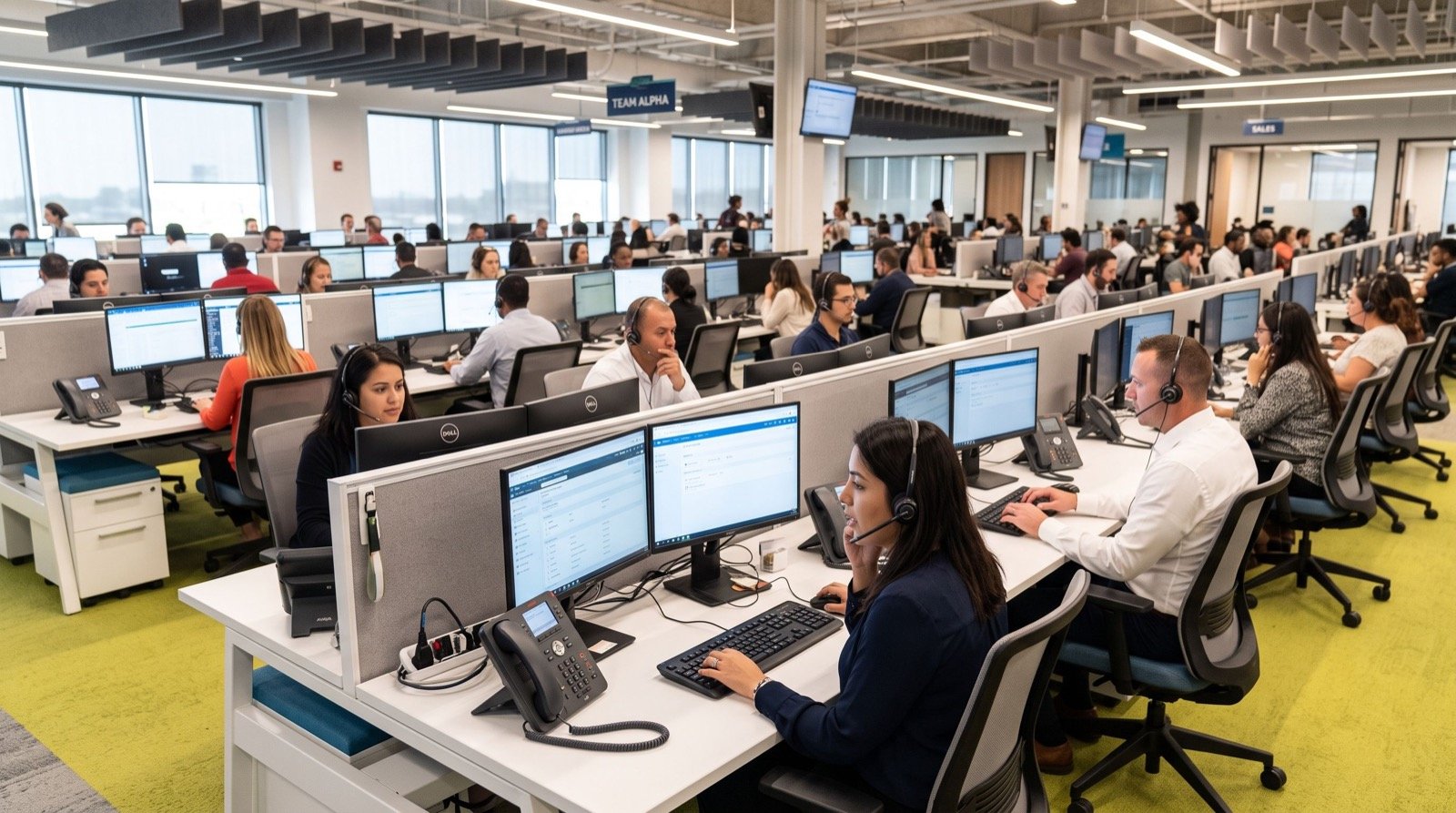
Laptop softphones are handy, but they struggle under load. When a machine runs video calls, spreadsheets, and a dozen browser tabs, audio quality suffers. A dedicated IP phone keeps voice on its own steady path, so calls stay clear even on a busy day.
Dedicated handsets also create a clean work boundary. Staff pick up a real phone for calls and close the laptop at the end of a shift. That simple separation helps focus and reduces fatigue in hybrid roles.
Unified communications in plain terms
Unified communications brings calls, video, messaging, and presence into one connected system. The International Telecommunication Union, a United Nations agency, coordinates the global standards that make these services interoperate, as you can see at the ITU. When your handsets follow these shared standards, remote and office staff share one seamless system.
Building a flexible setup for distributed teams
A hybrid friendly phone system rests on a few core choices. Get these right and people roam freely between locations.
- Choose a hosted SIP service. Cloud hosting lets any registered handset connect from any internet link.
- Use software based extensions. One extension can ring a desk phone, a mobile app, and a home handset at once.
- Standardise provisioning. Push a single configuration template to every device, wherever it sits.
- Secure the connection. Enable encryption so calls stay private over public networks.
- Plan presence and status. Let colleagues see who is available before they call.
To build the fleet, start by browsing a full range of IP Phone / IP Phones and group them by where they will live. Office desks, home offices, and meeting rooms each suit a slightly different model.
Matching IP phones for business to work locations
The table below maps common hybrid locations to a sensible device choice.
| Location | Priority | Suggested device |
|---|---|---|
| Home office | Simple, reliable audio | Entry or mid range desk phone |
| Main office desk | Line keys and transfers | Mid range SIP phone |
| Meeting room | Video and large screen | Flagship smart video phone |
| On the move | Mobility | Softphone app on the same extension |
For meeting rooms and leadership desks that host frequent video calls, the Fanvil V67 Flagship Smart Video Phone brings a crisp display and a built in camera. Remote staff see a clear picture and hear clean audio, which keeps distributed meetings feeling personal.
Security you should not skip
Remote calling crosses public networks, so encryption matters. Turn on transport layer security for signalling and secure media for audio. These settings keep conversations private without any extra effort from the user once configured.
How do you keep remote handsets easy to manage?
Central provisioning is the answer. Instead of visiting each home, you push settings and firmware from one console over the internet. A new hire plugs in a phone at home, it fetches its profile automatically, and it is ready in minutes.
Monitoring also helps. A dashboard that shows which handsets are online tells you instantly if a remote device drops off. When a tricky case appears, lean on reliable local experts who manage distributed fleets daily and understand regional network quirks.
Onboarding remote staff smoothly
A good onboarding flow ships the handset ready to plug in. The new hire connects it to the home router, the phone fetches its profile, and the extension is live. No screen sharing session and no manual typing of server addresses. That first impression sets the tone for how staff feel about the whole system.
Measuring whether your phone system is working
Once the fleet is live, track a few simple metrics to prove the setup earns its keep. Numbers turn a gut feeling into a clear picture.
| Metric | Why it matters |
|---|---|
| Call answer rate | Shows whether distributed routing reaches people |
| Average wait time | Reveals understaffed periods across locations |
| Dropped call rate | Flags network or configuration problems early |
| Device uptime | Confirms remote handsets stay reliably online |
Review these figures monthly. A rising dropped call rate often points to a home network issue or a firmware gap, both easy to fix once you spot the trend. Steady, healthy numbers prove the hybrid system is doing its job and justify any further investment.
Presence data is just as valuable. When managers see who is available at a glance, they route urgent calls faster and avoid the frustration of chasing a colleague across three channels. Small efficiency gains like these compound across a busy week.
Frequently Asked Questions
Can one extension ring in several places at once?
Yes. With a hosted SIP service you can configure an extension to ring a desk phone, a home handset, and a mobile app together, so a call reaches the person wherever they are.
Do remote staff need a special internet plan?
Usually not. A standard stable broadband connection handles voice well. For the best results, ask remote staff to connect the phone by cable rather than relying only on wireless.
Are IP phones secure over home networks?
They are when configured correctly. Enable encryption for signalling and media, keep firmware current, and use strong passwords. These steps protect calls across any home or public network.
What if a remote phone stops working?
Central monitoring flags the offline device quickly. Because configuration is stored centrally, a replacement handset downloads the same profile and the staff member is back online fast.
Conclusion and next step
Choosing the right IP phones for business in 2026 is about freedom of location, not just call quality. Pick a hosted SIP service, use software extensions that follow your people, standardise provisioning, and secure every connection. Add a flagship video phone where meetings matter most and keep local support on call. Ready to equip your hybrid team? Contact a trusted Pakistani supplier for a tailored plan and quote today.