
ZATCA e-invoicing in 2026: A Phase 2 Readiness Checklist for Saudi SMEs
If you run a small or medium business in Saudi Arabia, ZATCA e-invoicing is no longer a future project. It is the way every taxable sale is now recorded, cleared, and reported. The rules are clear, the waves keep expanding, and the businesses that prepare early avoid the last-minute scramble that hits teams who wait for a letter from the authority. This guide gives you a practical, step-by-step checklist so your invoices meet the technical format, your systems talk to the Fatoora platform, and your finance team stops firefighting at month-end.
The goal here is simple. By the end of this article you will know exactly what Phase 2 asks of you, which documents and settings to prepare, and how a connected platform keeps your quotations, VAT invoices, and customer records in one place.
What ZATCA e-invoicing actually requires
Saudi Arabia introduced mandatory electronic invoicing in two phases. Phase 1, the Generation phase, started on 4 December 2021 and required every taxable business to issue structured electronic invoices instead of handwritten or simple PDF receipts. Phase 2, the Integration phase, has rolled out in waves since 1 January 2023, grouped by annual revenue threshold. Each wave connects a business directly to the Fatoora platform so invoices are validated in near real time.
Under the current rules, standard tax invoices used for business-to-business sales are cleared by ZATCA before you share them with the buyer. Simplified tax invoices used for business-to-consumer sales are reported to ZATCA within 24 hours and must carry a QR code. Every compliant invoice is an XML file in UBL 2.1 format, or a PDF/A-3 document with the XML embedded inside it, and each one carries a cryptographic stamp that proves it came from a registered solution. VAT in the Kingdom remains at 15 percent, so the tax math on every line still matters.
Because the waves are assigned by revenue and announced in stages, you should always check ZATCA’s current wave announcements rather than assume a date. You can confirm the official requirements on the ZATCA e-invoicing portal, which lists the latest technical specifications and onboarding guidance.
Are you ready for Phase 2? The core checklist
Readiness is less about buying software and more about getting your data, devices, and processes in order. Work through the items below before your wave arrives.
- Confirm your wave status. Check whether your revenue places you in an active or upcoming wave, and note the enforcement date.
- Clean your master data. Verify your VAT registration number, commercial registration, address, and the tax treatment of every product and service.
- Choose a compliant solution. Your system must generate UBL 2.1 XML, apply the cryptographic stamp, produce QR codes, and connect to Fatoora.
- Onboard your devices. Each invoicing unit needs a cryptographic identity requested from ZATCA during onboarding.
- Separate invoice types. Make sure your workflow handles standard invoices for B2B clearance and simplified invoices for B2C reporting.
- Test before go-live. Run sample invoices through the compliance checks so you catch format errors early.
- Train your staff. Sales and finance teams should know how a rejected or non-cleared invoice is handled.
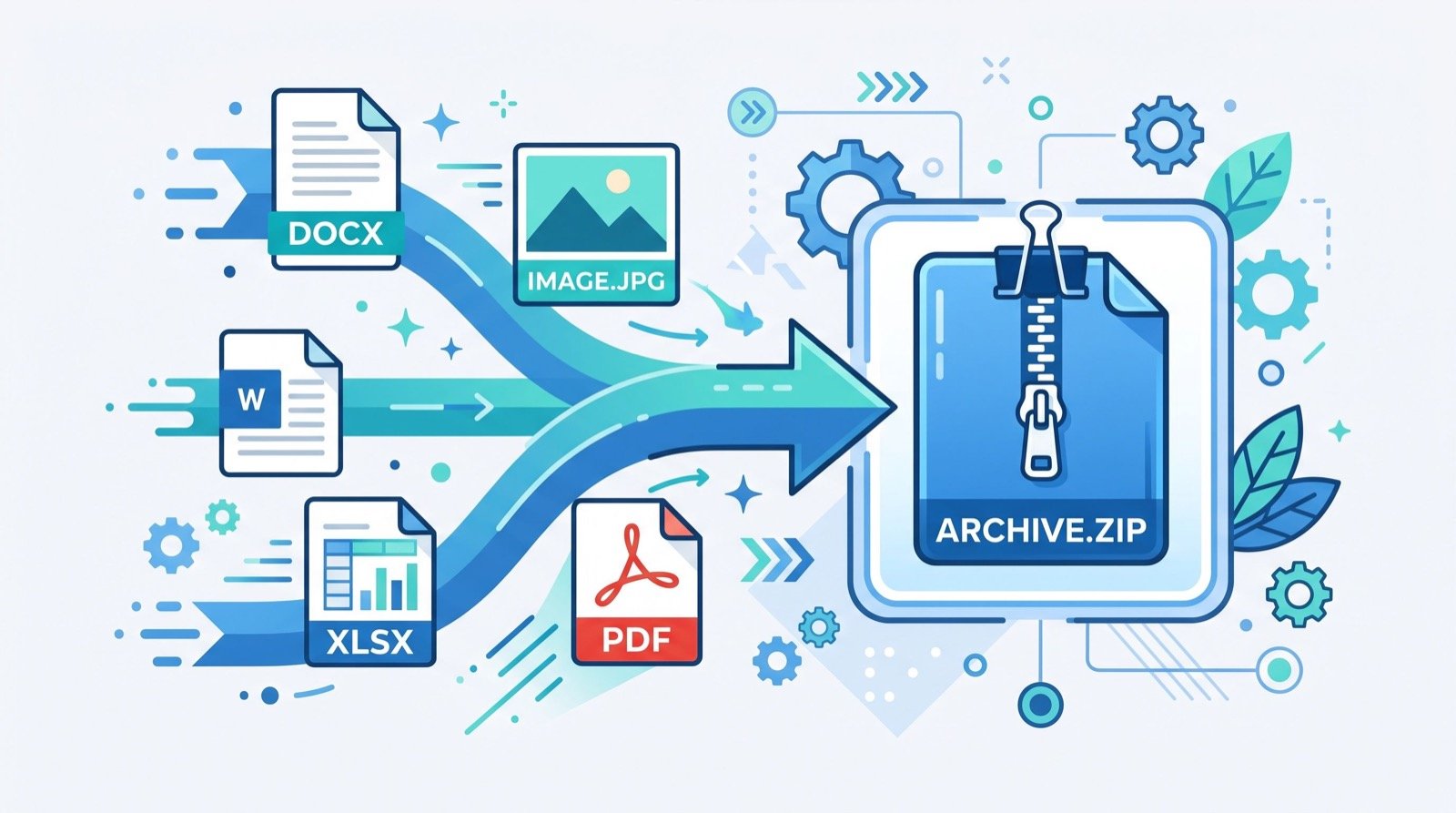
Moving from spreadsheets to a connected system is where most of the value appears. A good quotation and invoicing software in Saudi Arabia keeps your price quotes, approved deals, and tax invoices linked, so a single approved quotation becomes a compliant invoice without rekeying numbers. That removes a common source of clearance errors.
Standard vs simplified invoices at a glance
Many compliance mistakes come from treating every sale the same way. The table below summarizes the difference so your team applies the right flow each time.
| Factor | Standard tax invoice (B2B) | Simplified tax invoice (B2C) |
|---|---|---|
| Typical buyer | Registered business | End consumer |
| ZATCA handling | Cleared before sharing | Reported within 24 hours |
| QR code | Included | Required |
| Format | UBL 2.1 XML or PDF/A-3 with embedded XML | UBL 2.1 XML or PDF/A-3 with embedded XML |
| Buyer VAT number | Required | Not required |
Common Phase 2 mistakes and how to avoid them
After the format is right, process discipline is what keeps you compliant month after month. Watch for these recurring problems.
Mismatched totals and rounding
Line-level rounding that does not match the invoice total is a frequent rejection cause. Let your system calculate VAT at 15 percent consistently rather than entering figures by hand.
Missing or broken QR codes on B2C receipts
Retail and food businesses issue simplified invoices all day. If the QR code is absent or unreadable, the receipt is not compliant. Automated generation removes the risk.
Treating clearance failures as someone else’s job
When a standard invoice is not cleared, the sale is effectively on hold. Assign a clear owner who monitors clearance status and resolves issues the same day.
Beyond invoicing, growing SMEs benefit from tying customer service into the same platform. When a client questions a charge, a connected help desk and complaint record lets your team answer with the exact invoice in front of them, which is the kind of joined-up service that marks out quality service providers in any sector.
Frequently Asked Questions
When did ZATCA e-invoicing become mandatory?
Phase 1 began on 4 December 2021 for all taxable businesses. Phase 2 integration with Fatoora has rolled out in waves since 1 January 2023, assigned by annual revenue. Check ZATCA’s current wave announcements for your specific date.
What file format does a compliant invoice use?
Each invoice is a UBL 2.1 XML file, or a PDF/A-3 document with the XML embedded, and it carries a cryptographic stamp. Simplified B2C invoices also need a QR code.
What is the difference between cleared and reported invoices?
Standard B2B invoices are cleared by ZATCA before you share them with the buyer. Simplified B2C invoices are reported to ZATCA within 24 hours of issue.
Do I need separate software for quotations and invoices?
No. A connected platform turns an approved quotation into a compliant tax invoice without re-entering data, which reduces errors and speeds up clearance.
Getting started the right way
ZATCA e-invoicing rewards preparation. Confirm your wave, clean your master data, pick a solution that generates compliant XML and connects to Fatoora, and separate your B2B and B2C flows. Then test before you go live. If you want your quotations, VAT invoices, customer records, and support tickets working together instead of in scattered files, book a demo of a connected Saudi platform and see the full flow before you commit. The teams that move early in 2026 spend month-end reconciling numbers, not rebuilding them.